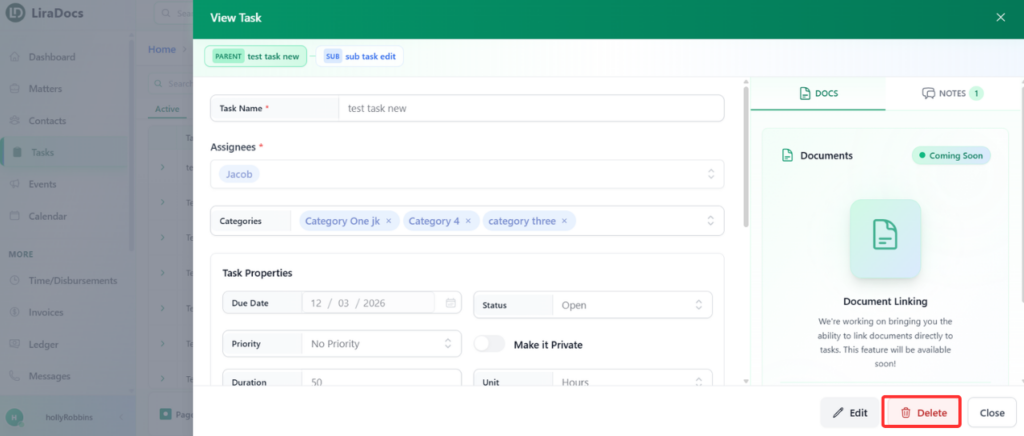
Deleting a task in Liradocs is a quick and simple process. Follow the steps below to remove a task from your task list.
Step 1: Go to the Tasks Section
Open Liradocs.
Click on the Tasks tab from the main navigation menu.
Step 2: Open the Task
From the list of tasks, find the task you want to delete.
Click on the task to open its details.
Step 3: Delete the Task
Once the task is open, click the Delete button.
The task will be immediately removed from the system.
After completing these steps, the task will be successfully deleted from Liradocs. This helps keep your task list organized and ensures only relevant tasks remain visible.