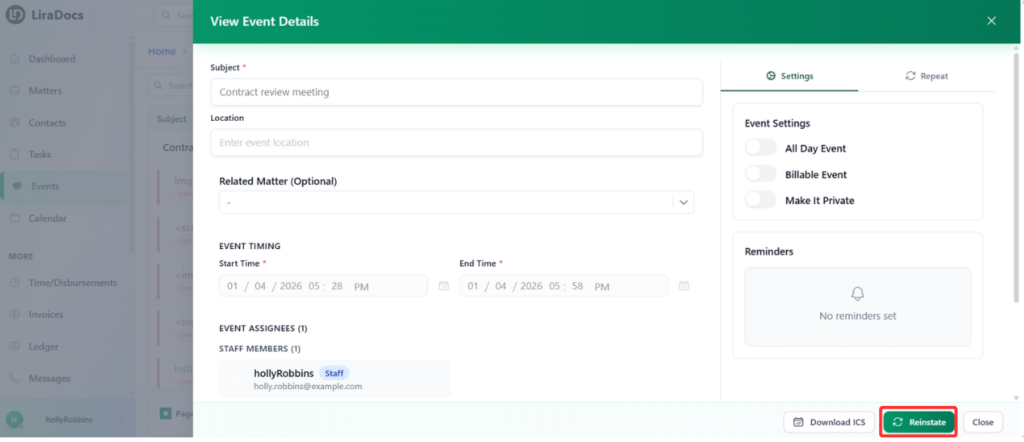
How to Restore a Deleted Event Estimated reading: 1 minute 10 views If an event has been accidentally deleted in Liradocs, you can easily restore it to make it active again. Follow these steps:Step 1: Go to the Events TabNavigate to the Events tab from your Liradocs dashboard.From the menu, select the Deleted Events section to view all events that have been removed.Step 2: Select the Event to RestoreFind the event you want to restore from the list of deleted events.Click on the event to open its details.Step 3: Reinstate the EventClick the Reinstate button.The event will now be restored and made active again. Step 4: Verify the EventGo back to the Active Events tab.Confirm that the restored event is now visible in your active events list.Restoring deleted events in Liradocs ensures that no important scheduling information is permanently lost and keeps your workflow organized.