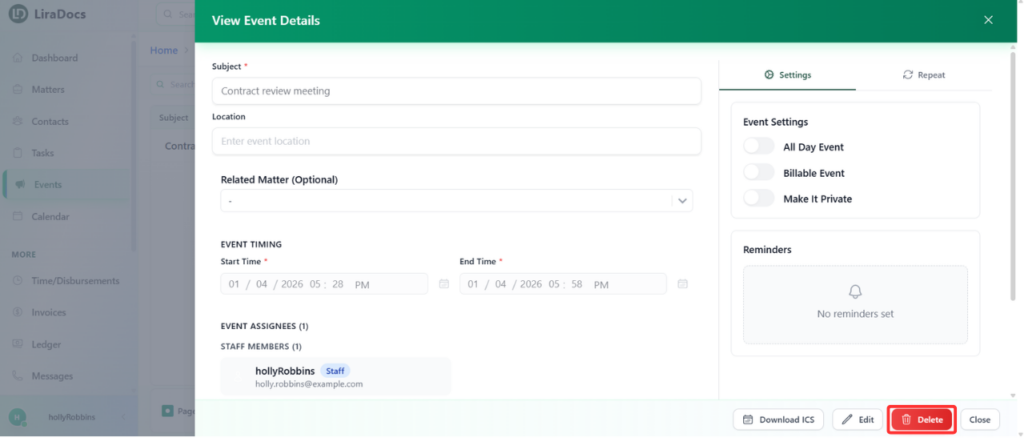
How to Delete an Event Estimated reading: 1 minute 10 views Events in Liradocs can be deleted when they are no longer needed. Follow these steps to remove an event from your calendar.Step 1: Navigate to EventsGo to the Events tab in Liradocs.Find the event you want to delete and click to open it.Step 2: Delete the EventClick the Delete button within the event details.A confirmation prompt will appear. Type delete or click Delete to confirm. Step 3: Event DeletedOnce confirmed, the event will be permanently removed from your calendar.This ensures that your calendar remains accurate and up-to-date.